

Everyone, it seems, wants in on the portable gaming space and the money that can be made there selling digital-only games.
In the console space there’s a lot of understandable concern about what that shift means for the future of games preservation, but on the PC side of the gaming fence, that’s a horse that’s not only bolted, but bolted so long ago that it’s set up entire feral populations of digital game storefronts across the entire planet. PC gaming is digital, and it’s been that way for more than a generation now.
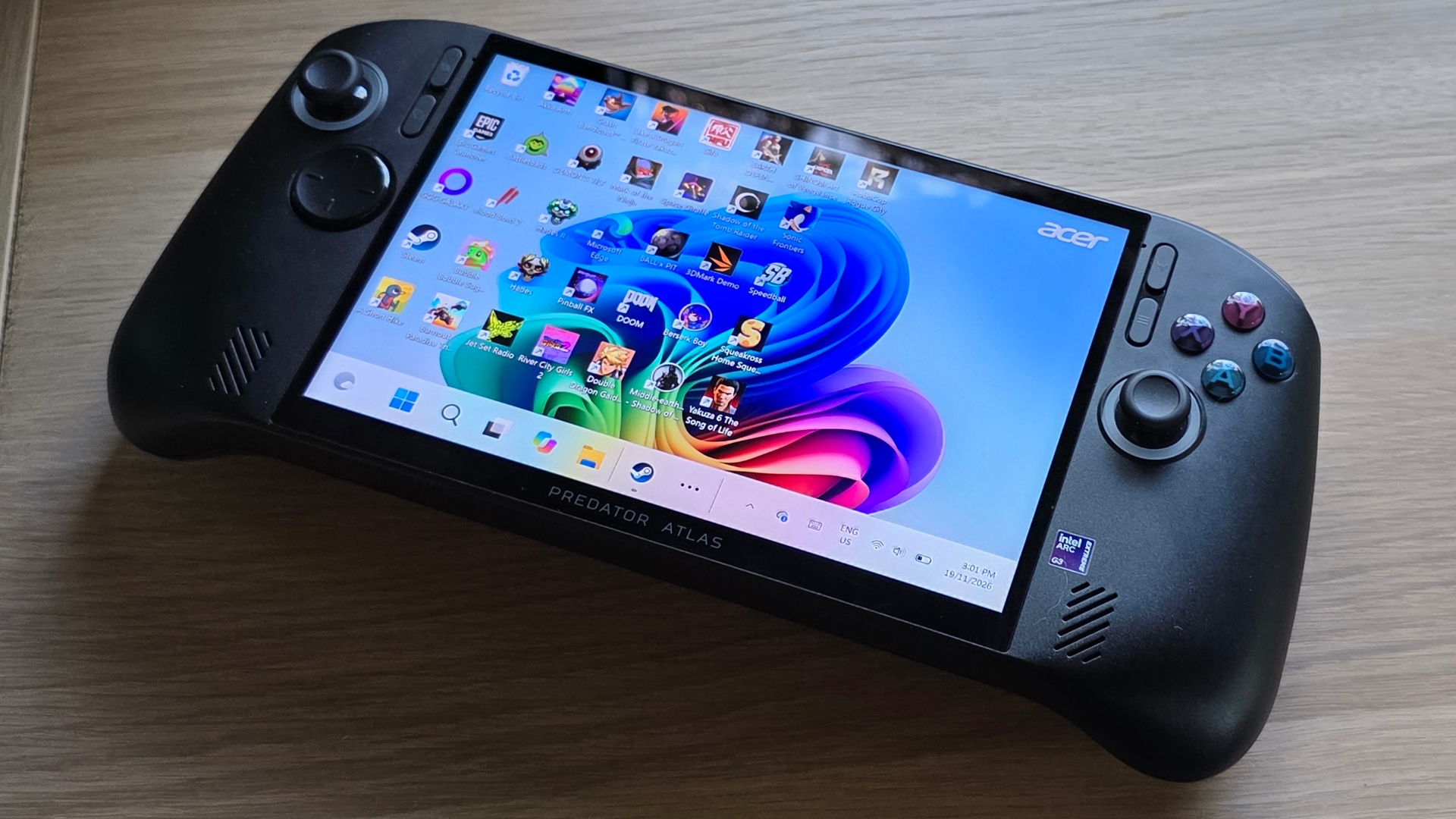
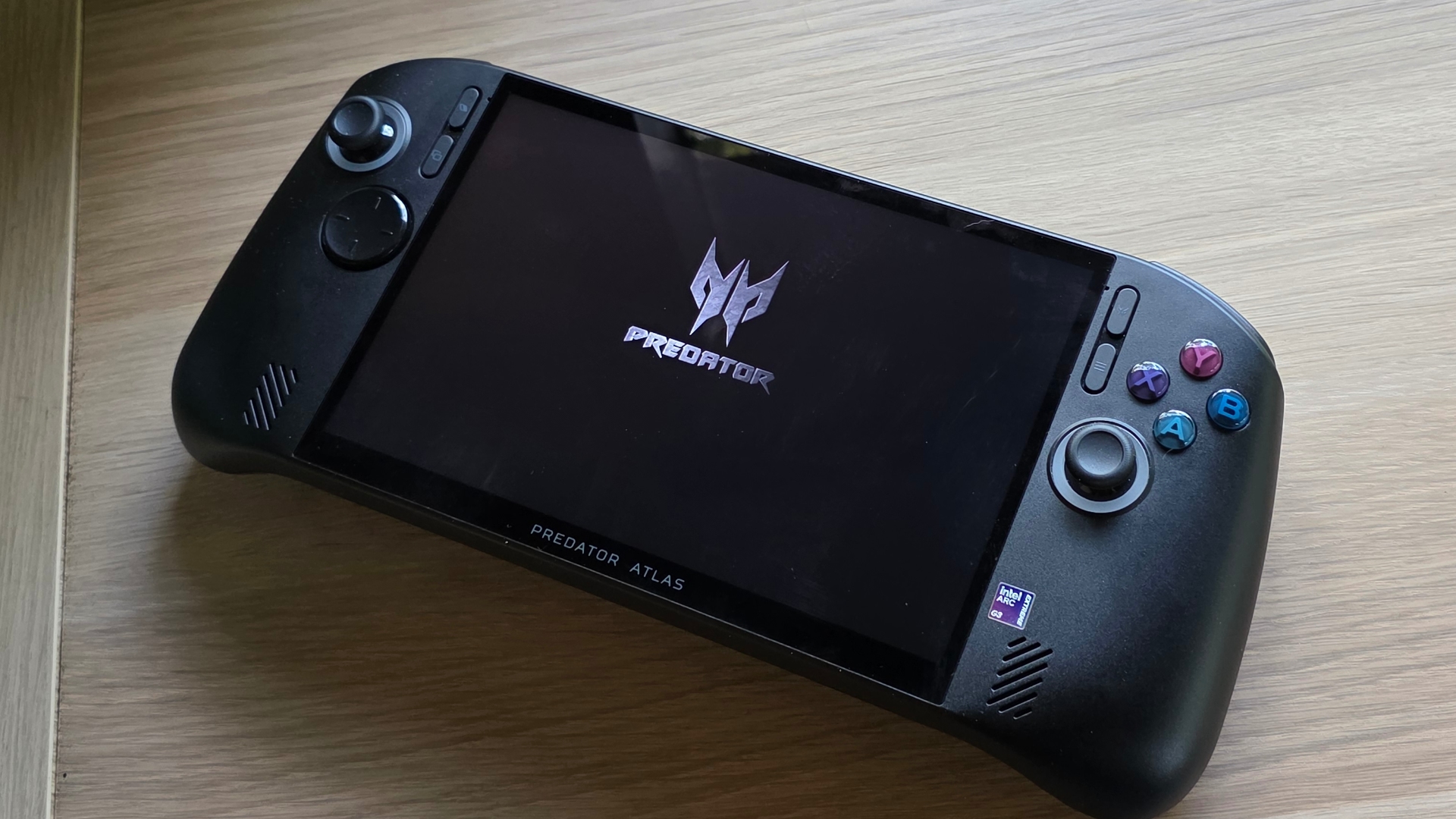
Valve’s Steam Deck kickstarted the whole PC gaming in a mobile form factor trend, but in recent years there’s been a number of big-brand PC makers dipping their toes into this arena, mostly via their gaming-centric sub-brands, which is why we’ve already seen devices from the like of ASUS or MSI in this space. Acer’s the latest entrant into the field via its Predator sub-brand with the Acer Predator Atlas 8.
Let’s get the largest pain point out of the way first.

If you want an Acer Predator Atlas 8 in Australia, then it’ll set you back at least $2,599 to do so, up to $2899 for the higher-spec variant.
A decent chunk of that pricing does come from the fact that any PC components right now are ludicrously expensive (thanks AI, decimating human creative industries was 100% worth it…), and to be fair, that’s in line, or in some cases less than you’d pay for competing models.
But what do you get for what is still a considerable chunk of money?
Under the hood the Acer Predator Atlas 8 lurks an Intel Arc G3 or Intel Arc G3 Extreme CPU, depending on how much you’re willing to spend.
Acer sent me the premium $2,899 model to review, which comes with 24GB of RAM and 1TB of onboard storage. Opt for the slightly less expensive model and you’ve got 16GB of RAM and 512GB of storage instead.
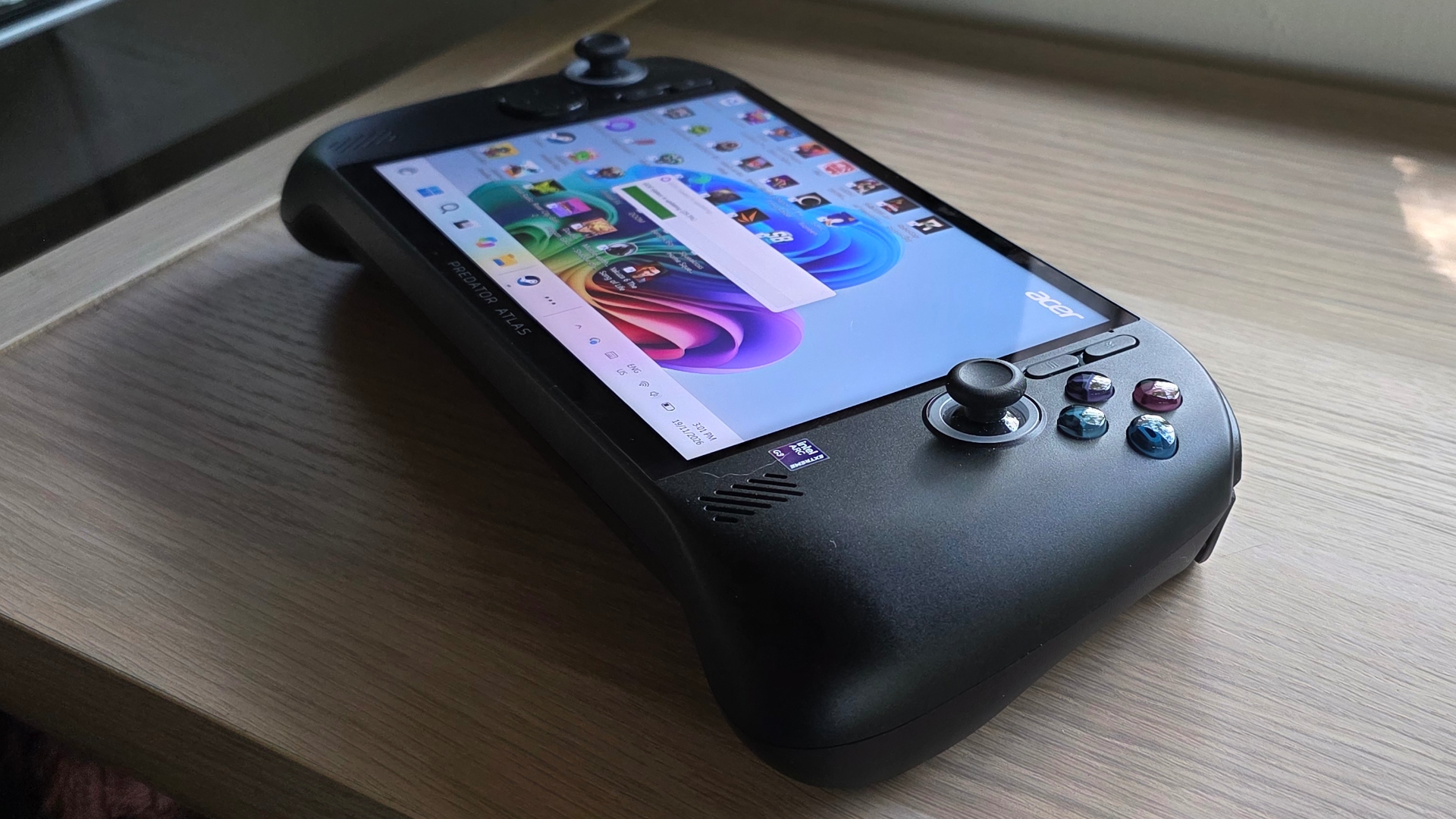
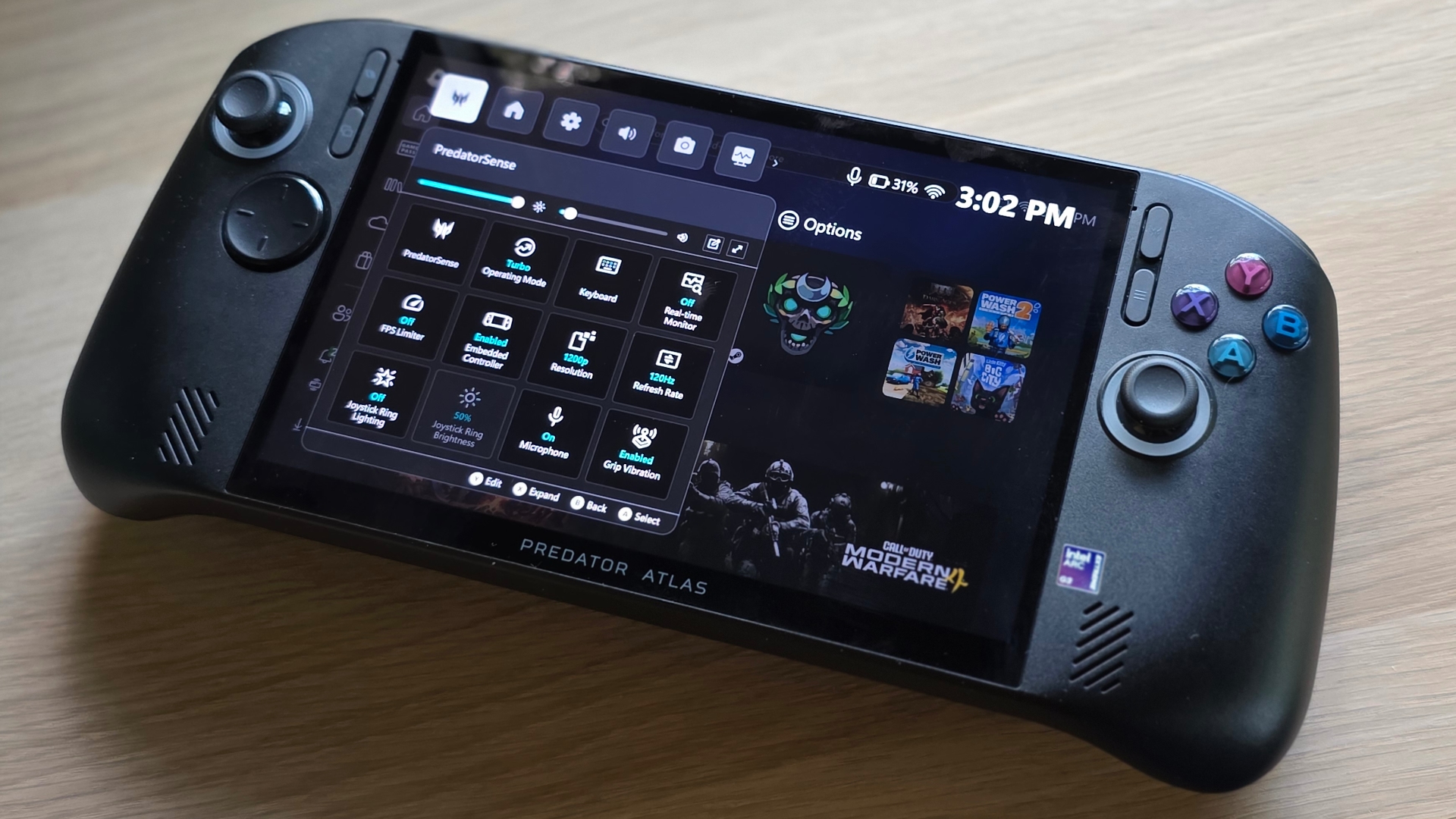
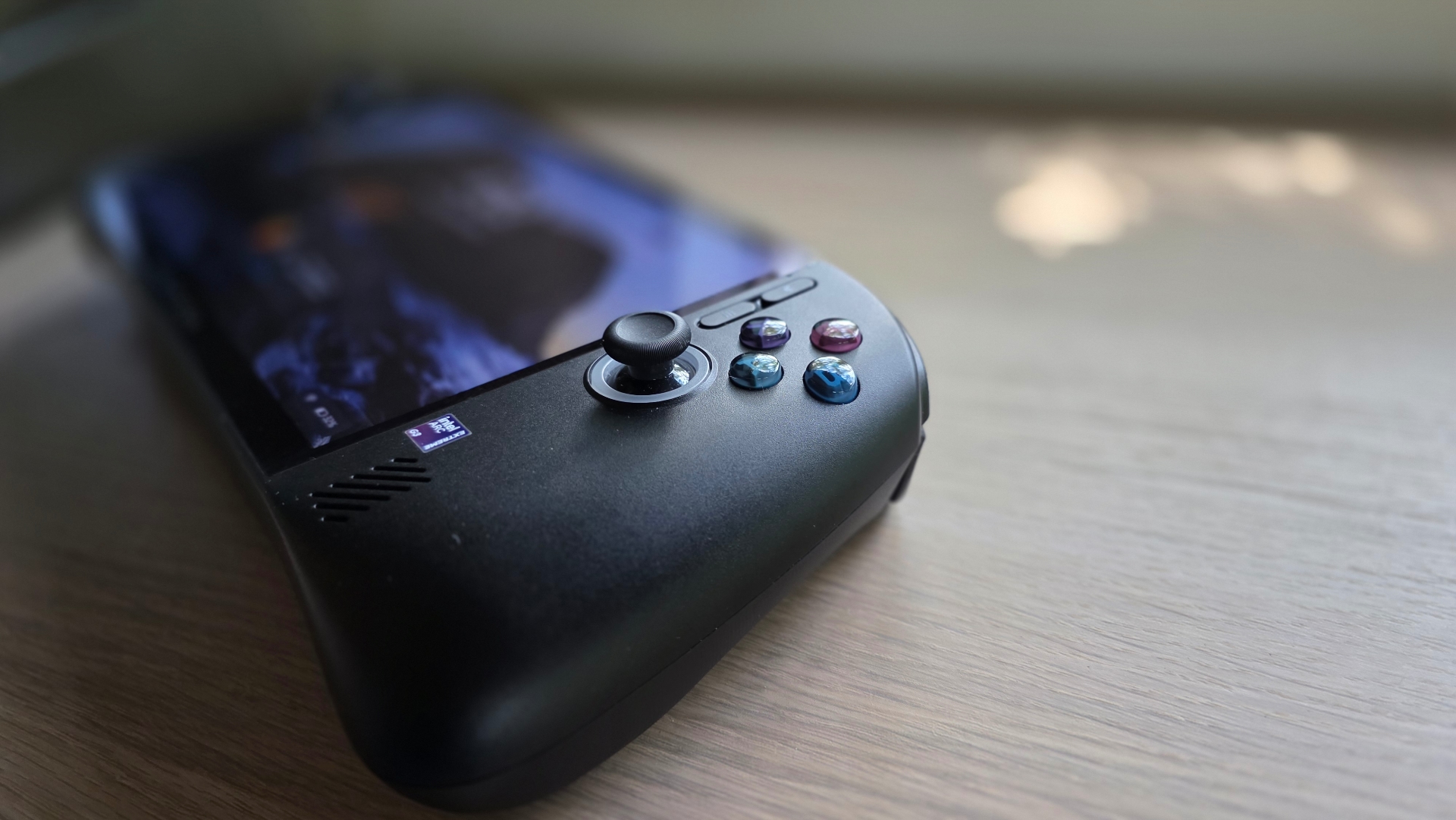
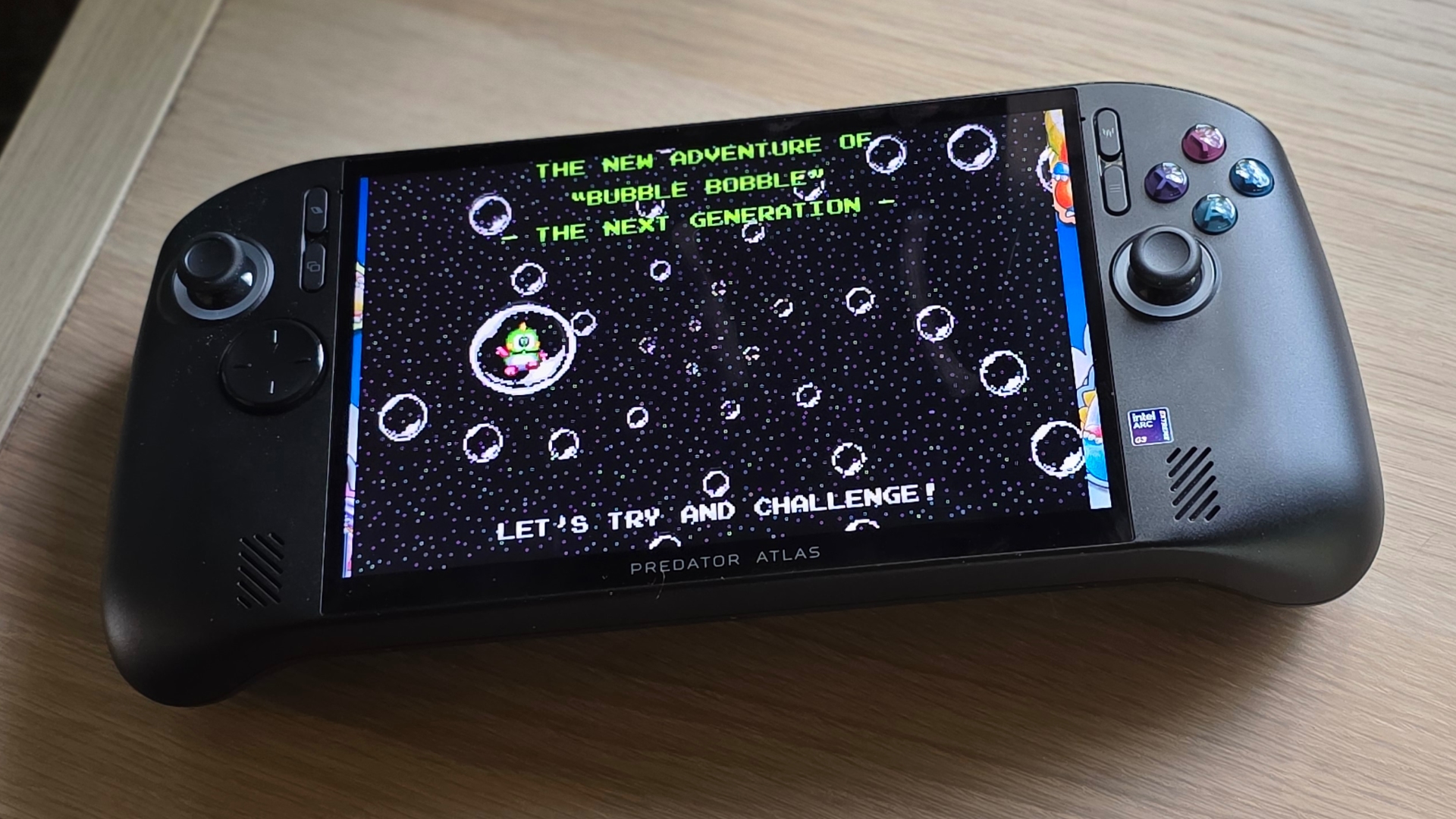
At a display level for either model you’re going to be spending a lot of time staring at an 8-inch 1920×1200 120Hz LCD display flanked on both sides by a relatively standard set of joystick, D-Pad and button controls, plus dual triggers and a single set of customisable buttons at the back.
At a maximum of 299×127.4×58.37mm and 810g, the Acer Predator Atlas 8 does have some heft to it. To give that some comparison, a Steam Deck OLED runs 298x117x49mm and 640g while a Nintendo Switch 2 is a lithe 116x272x13.9mm and 548g.
Those two systems were my general frame of reference, and while I did notice the Predator Atlas 8’s larger size at first, it quickly became less relevant for the most part. It’s a chunky lad, but the rounding of its side grips does make it quite comfortable to hold for longer gaming sessions.
One nice touch that you typically only see on gaming controllers that Acer’s built into the Acer Predator Atlas 8 is adjustable travel switches for the R2/L2 triggers. If you favour a quick snappy response you can physically adjust for that, but if longer analogue travel is your style, it’s open to you, and you can change it up between games whether you’ve got an itchy trigger finger or want the smooth response of a full accelerator at your command.
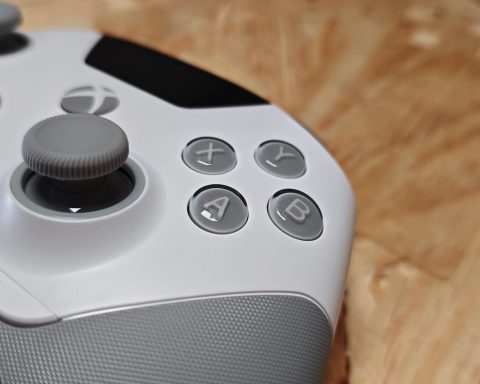
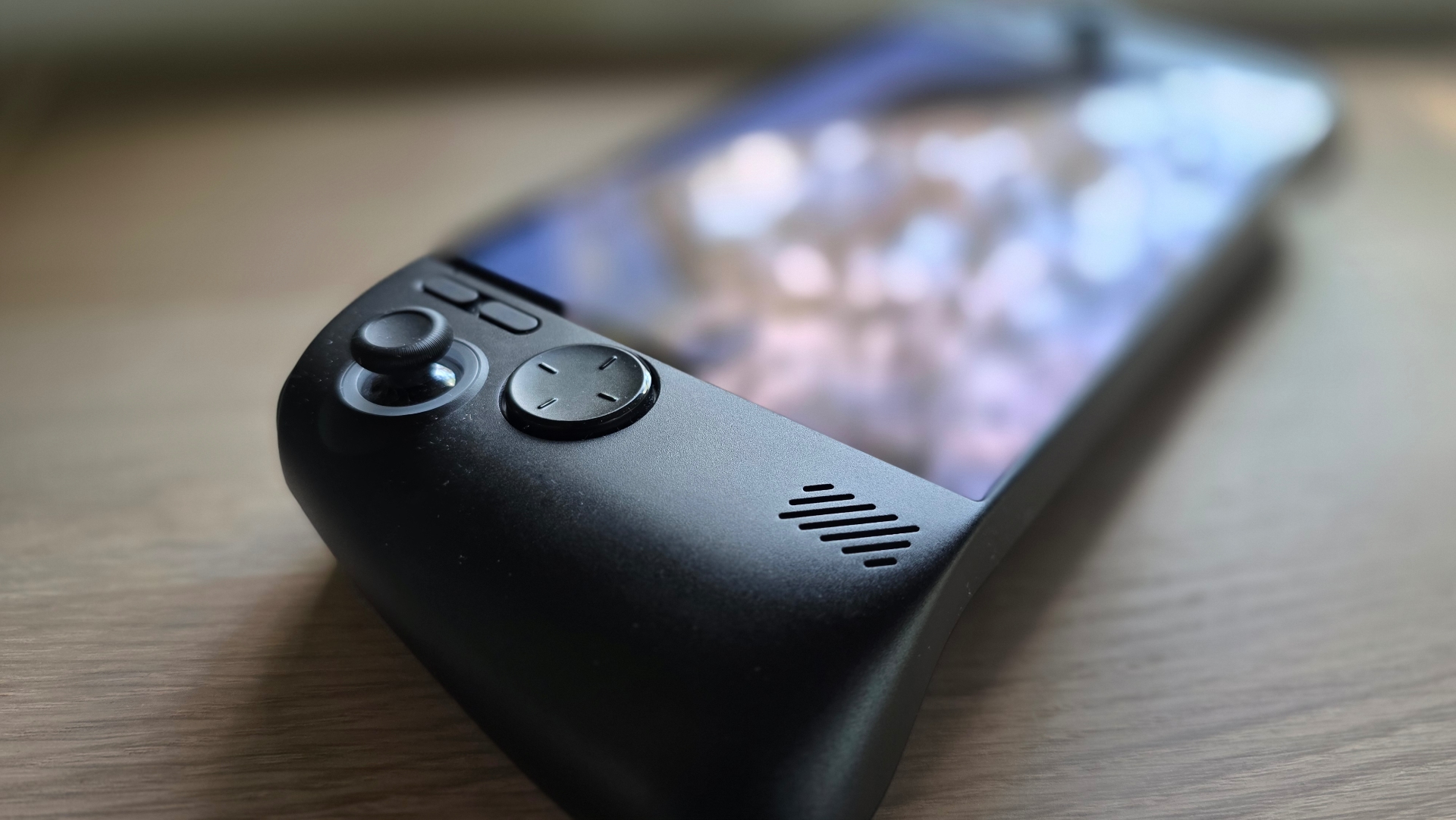
The Acer Predator Atlas 8’s TMR joysticks are a joy to use, as are most of the rest of its controls, though I can’t say I’m quite as keen on the D-Pad that Acer’s opted for.
It’s a round squidgy blob of a thing that feels imprecise in the games that I’ve played where that kind of purely digital control is preferable. For many gamers, it might be an afterthought, but for those of us with more of a retro passion, proper D-Pads matter.
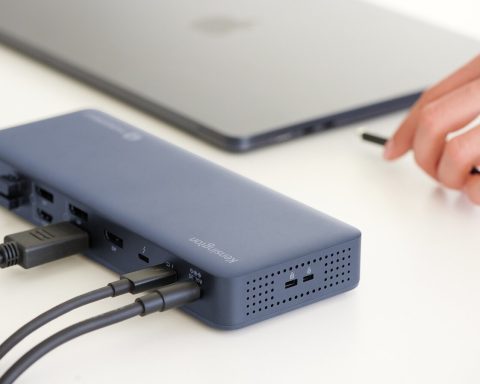
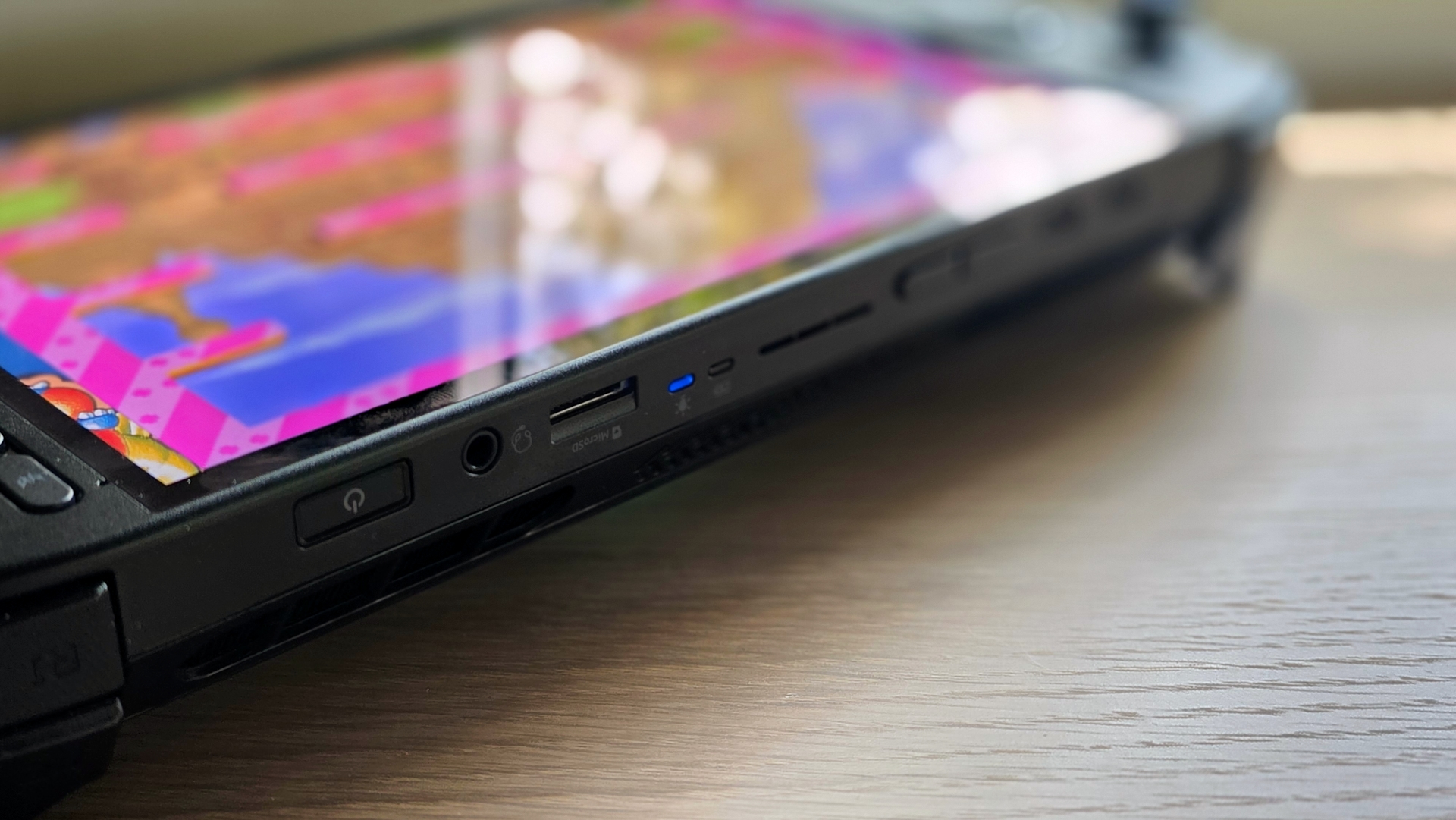
The top of the Acer Predator Atlas 8 features a standard microSD card for storage expansion along with dual Thunderbolt 4 ports. That’s an interesting inclusion, because while they’re used for charging, because they’re Thunderbolt 4 you can also use them for nicely speedy storage expansion but also connecting up to an external monitor or keyboard quickly, or even theoretically to connect up to an eGPU, not that I’ve been able to test that out per se.
I appreciate at this price that Acer also throws in a carrying case for the Acer Predator Atlas 8 in the box, though it’s worth noting that you absolutely must power the unit down before placing it inside.
I forgot to do so once – only once – and the constrained environment caused the fans to kick in to try to keep the poor thing cool enough; even just a few minutes in that environment had it running red hot.
All of this hardware does provide a very good handheld gaming experience, capable of running most titles well, though predictably not to the peak of current PC gaming hardware.
There’s always tweaking to do, but to give this some context, I ran the now-ageing Shadow Of The Tomb Raider through its default benchmark across both a Steam Deck OLED and the Acer Predator Atlas 8, letting both set their own quality standards for doing so.
Not surprisingly the Acer opted for higher level graphics settings, but even doing so, the Steam Deck averaged out at around 40fps, where the Acer managed an average of 62fps. Also notably the Steam Deck’s performance was highly variable where the Acer managed a much smoother and regulated frame rate, which is obviously ideal.
For those who like a straight-line benchmark, 3Dmark Steel Nomad registered a score of 5128 at 37.99 FPS. Not that useful a data point against the Steam Deck, as 3Dmark couldn’t properly identify its GPU – it’s not really optimised that way – and as such didn’t run properly there. But if you like numbers, there is one, knock yourself out arguing about it online if you must.
Actually playing through Shadow of The Tomb Raider and with a little tweaking down towards where the Steam Deck was aiming for saw frame rates climb even higher – which is to say, while the Arc G3 Extreme isn’t a high-end gaming choice, in the mobile space, it’s a very capable competitor, and at the time of writing the choice if you’re after the best in mobile PC gaming experiences.
Gaming is of course key, but to get there you do have to deal with the software interfaces on board… and here I did encounter issues.
The Acer Predator Atlas 8 is essentially a Windows 11 PC, albeit in a gaming form factor and with Microsoft’s own “Xbox” launcher on top to, in theory, make it more accessible and easier to use than just a standard touch-enabled Windows 11 experience would be.
You can still access the full Windows 11 desktop if you need to, but by default it’ll launch to an Xbox style experience with the promise of full integration of games from standard PC games stores such as Steam, Epic Games and GoG.
Predictably, Microsoft’s own Gamepass service is presented front and centre, and if your gaming is predominantly Gamepass-centric you’d have no issues at all there. Chances are you do more than just game in Microsoft’s own walled garden, and the Xbox launcher does make it simple enough to install third party store apps without having to duck down into the desktop mode itself. From there, however, it can get clunky, if not outright broken.
While the launcher did detect installed Steam Games, there’s no support for using the Acer Predator Atlas 8’s physical controls to browse; you’ve got to tap and hope on the touchscreen.
As for Epic Games, that installed as a storefront from the Xbox launcher, but that same launcher then utterly refused to recognise any games installed from it.
In theory you can add them manually, but this quickly became a random game of “What will happen now?”
For some games, doing so invoked an Epic Games mandatory password login with an onscreen keyboard that by default floats over the actual password login field, so you can’t check what you’re typing… and if you’re not quick enough the whole thing times out and crashes.
For others, it instead defaulted to the Epic Games launcher, but in a window mode where I couldn’t easily access my games library, just the store interface. I could eventually bypass this by way of searching the installed games manually, but again via an awkward on-screen menu.
When all you want to do is play a game, this is less than optimal, though I can’t lay the blame at Acer there; it’s clearly a Microsoft software issue that needs cleaning up, given that it’s mostly Microsoft’s Xbox launcher that promises this kind of easy integration and then can’t seemingly manage to make it work in reality.
Acer does provide some of its own “PredatorSense” software for matters like performance and battery management, and this too could use a little fine-tuning.
The basics are handled well enough for setting screen refresh rates, resolution and the joystick ring lighting that was the very first thing to go when I was setting it up, but some functions are more temperamental. For review purposes I wanted the on-screen monitor feature, which shows CPU and GPU usage, battery status and frame rate to be persistently on, but it frequently switched itself off if the screen blanked out for any reason.
Which brings me to power consumption, always a tricky matter for gaming handhelds to manage.
Acer doesn’t provide a specific battery expectation for the Acer Predator Atlas 8’s 80Whr battery, and that’s fair enough; the battery drain of a complex AAA title is likely to be a little more than if you’re running Solitaire.
My own testing tended towards around 3 hours of battery life on a sustained basis for most titles, a little more for older or less battery intensive games and a little less if I pushed it harder.
PredatorSense does allow for battery optimisation and specific power profiles to either extend battery life or increase game performance as needed; for what it’s worth I tended to leave it on its Turbo mode for most of my testing and play time.
There is another aspect to the Acer Predator Atlas 8’s power management, however, and it’s one of the more annoying aspects. In theory, a short press of the power button should put the Acer Predator Atlas 8 either to sleep or in hibernation mode, depending on what’s selected in Windows itself.
The problem? It rarely works properly, often either failing to register a press to go into its suspended mode, or leaving fans running and sometimes games as well with audio still playing. What’s far more irritating is that for whatever reason, the Acer Predator Atlas 8 often doesn’t want to wake from its slumber with a button press.
It’s at some level a power profile issue, because the one surefire way to get it to revive if it won’t do so from the power button that I’ve found has been to plug it into power, at which point it’ll spring back to life. That’s less than ideal for a gaming rig that you might travel with, and hopefully something that can be tweaked to work a little better… which is to say at all reliably.
At a minimum of $2,499 there’s no question that the Acer Predator Atlas 8 is an absolute luxury buy, even allowing for current PC component pricing. That price point alone will exclude a lot of gamers from even considering a handheld like this.
If that doesn’t stop you, then there’s a lot to like here at a hardware level. The Acer Predator Atlas 8 is for its class nicely powerful, which gives it plenty of scope to run current PC games at decent frame rates, the display is nice and bright and fast (though it’d be nicer if it were OLED too) and most of the controls work very well across titles that’ll support PC gamepads, which is most of them these days.
The software does need work, though much of that lies more with Microsoft than Acer, and that does feel like a solvable problem, in much the same way that a lot of the niggles and issues around PC gaming on a Steam Deck have been either fixed or optimised around over time.