

There are times when I look at the really, really high-end products and wonder if they’re truly worth it, outside of the most niche of niche audiences. Do people who aren’t audio engineers really benefit from owning a $1500 headset? Do people who aren’t eSports athletes really get anything out of a $300 mouse? Does anyone at all really need a $AUD550 controller? SteelSeries seems to love finding ways to prove that the answer to these questions is “yes,” and the SteelSeries Aeon Pro is the latest in this company’s efforts to make us all wish we had much better-paying jobs.

Okay, so what do you get for sacrificing the annual holiday trip so you can have a shiny new controller? Well, for starters, I’ll be a killjoy and say a Bluetooth connection that absolutely sucks. I tried to get standard Bluetooth working with both my laptop and ROG Ally, both of which are Windows PC machines and therefore meant to be supported by this controller, which is promoted as an Xbox and PC device. It didn’t work with either. At all. Then I noticed that apparently the Bluetooth feature is there for other devices. So I tried to pair it to my Switch 2. No luck. Then I tried to pair it to my Apple TV. The Apple TV happily paired with the device, but then the device did nothing.
Then I gave up.
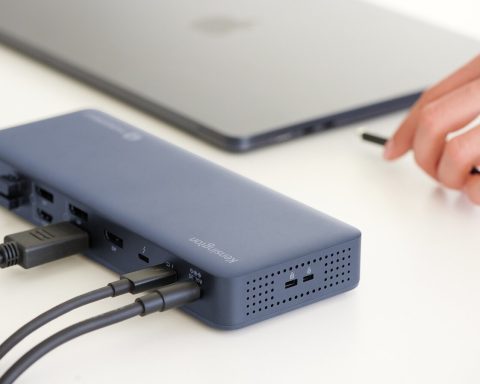
Thankfully, the controller does work when the dock is connected to your PC or Xbox (and as a neat feature for people who do have both devices, it allows you to seamlessly and instantly switch between both devices if you connect them both to the dock), and you connect it using that wireless signal. In fact, it works beautifully with that connection, with a far lower level of latency than what Bluetooth would deliver for maximum responsiveness.
“So why would you even care about the Bluetooth?” I hear you ask. Well, dear reader, consider this: The ROG Ally, firstly, doesn’t have the standard USB connection that comes in the box for the SteelSeries Aeon Pro. Secondly, the ROG Ally only has two USB-C ports, so even if you do connect the dock via USB-C to USB-C (note, I didn’t even test is this is possible), that would mean that I couldn’t connect my ROG Ally to my TV, as to do THAT I need one port for the TV screen and one for the power bank, given that the Ally lasts about 10 minutes unless it’s connected to a power bank.
Ergo, the Aeon Pro is functionally useless on all of my devices except my laptop, which is the device I use the least for games. You might say that it’s fine to have a controller that only works on one device in the roughly 20 gaming devices you have at home, but I would counter that at $550 I would expect my game controller to connect to not just all my devices, but also the fridge so I could save myself the effort of opening the door when I wanted a beer.
I’m being hyperbolic, but I’m also growing increasingly wary of SteelSeries’ premium stuff, which seems to be deliberately undermining Bluetooth connectivity in lieu of its proprietary docks and wireless signals. I do understand that these connections ARE better quality for serious gaming, but Bluetooth is an enormously useful form of wireless connectivity, and I do not want to have to drag around all these docks and cords when I’m out and about or want to play a game on my balcony.
Rant ended. Once you get over the broken Bluetooth, the Aeon Pro really is a spectacular controller.
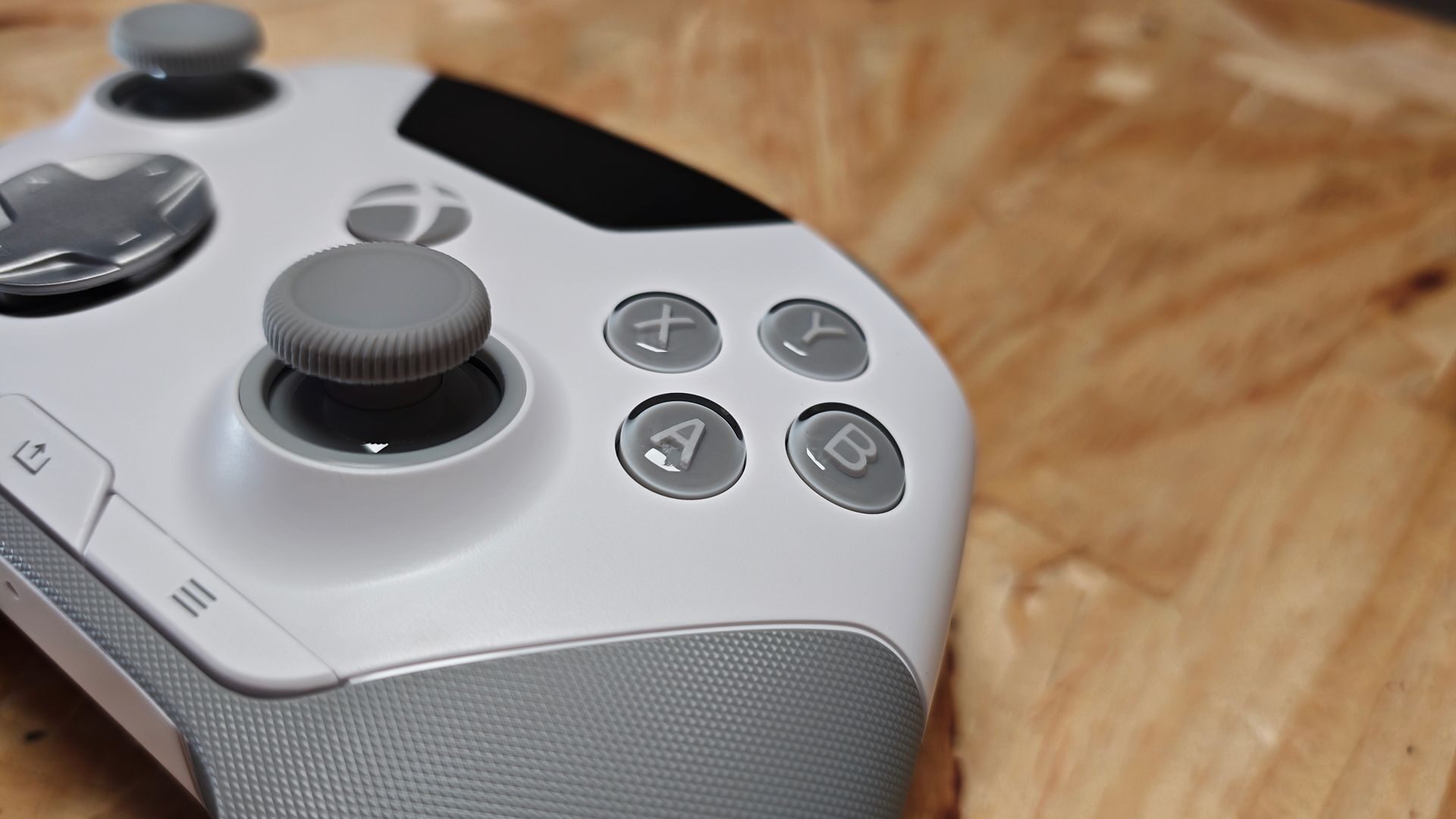
I’ll start with the buttons. They all have an incredibly powerful spring to them, which SteelSeries has engineered in such a way that it doesn’t require excessive force to press down. Press them as a normal button and then feel the difference as they actively push your finger back, increasing the speed and precision with which you can press all of them. Whether I was playing Hatsune Miku, a fast-paced action game like Mass Effect (which I’m re-playing as a reminder of how brilliant BioWare is – eff off EA and Saudi Arabia), or something slower-paced like the Dungeons & Dragons: Pools of Myth Drannor (that was recently released on Steam for the first time), I really appreciated the speed and precision of those buttons.
The one exception was the RB and RT shoulder buttons, which my fingers were never able to quite access in a way that was comfortable to press down on given the shape of the console. I think the design intent was for the player to curl the index fingers and press down on these from the tips, but that’s not how I like to hold or use controllers. Thankfully, the Aeon Pro has some excellent programmable buttons on the back, and it was effortless to have these replace those two shoulder buttons.
Meanwhile, I love the Hall Effect thumbsticks with a passion. They feel set a bit higher than on many other controllers, and the range of motion in their sockets feels a bit wider. Whether true or just a psychological the device’s design and build is playing on me, I’m not sure, but I do felt very comfortable and free with movement with these sticks, and they were always as smooth as skating on perfectly-prepared ice.
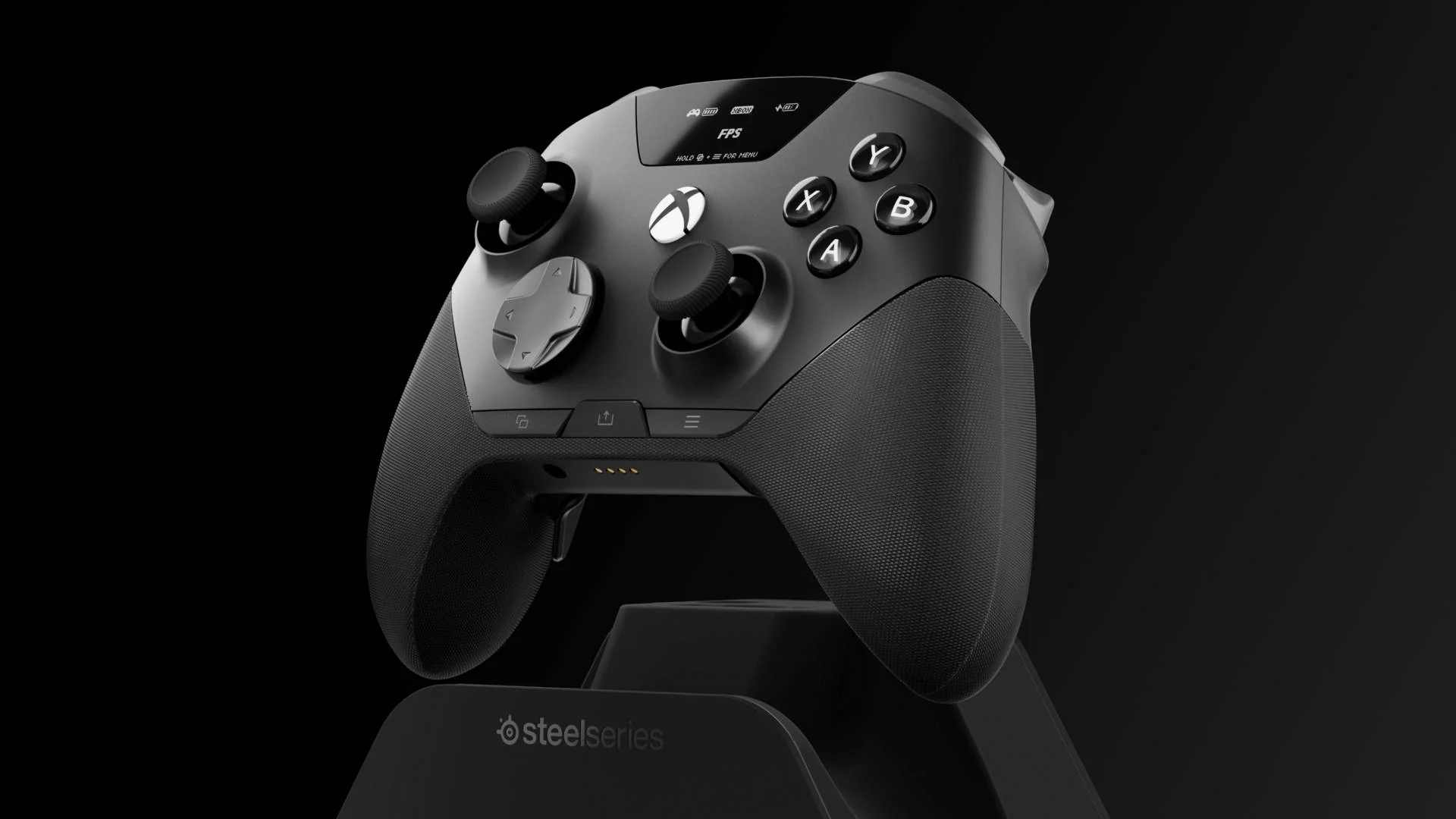
Some might find the precision a little excessive or not quite calibrated perfectly, which is where another absolutely spectacular feature comes into play – the little OLED screen on the device. With this, you can select from a bunch of different profiles (FPS, Racing game, Builder etc.), with the experience tuned towards those genres. And you can map and tune sensitivity for your own personal profile, too. With this screen, you don’t really need to mess around with any other software whatsoever. It’s a powerful in-built toolset right there (although SteelSeries could do with hiring a UI expert or two, as some of the inputs and systems are a little bit confusing at first).
Finally, it should be worth noting that I do love the dock for one big reason – it also charges the device’s second battery. Like with all SteelSeries’ recent high-end toys, the Aeon Pro comes with two batteries that can be swapped in an instant. The battery life is decent without being brilliant with one battery, but with the two of them you do essentially get unlimited battery life with only the smallest inconvenience to change them over when one runs down.
SteelSeries set out to make a premium controller that plays beautifully and enhances the quality of the games through the luxury quality of the inputs. It absolutely got there with that, and the build quality, buttons, and features of the Aeon Pro controller are categorically worth the $550. The broken nature of the Bluetooth connection is unacceptable, however. I hope for everyone else’s sake my controller is just a malfunctioning one in some way, because unfortunately it does mean that this controller is a one-device-only deal. As someone who has and uses a lot of devices, I really need better from my premium equipment.