

Here’s the thing: I find that a lot of gaming-focused mice don’t put ergonomics particularly high on the list of priorities. That’s not to say they can’t be comfortable, but the focus is very clearly on the design and the features that will give the user a competitive edge. And that makes sense, but it’s a lot of money for an experience that is, by definition, compromised.
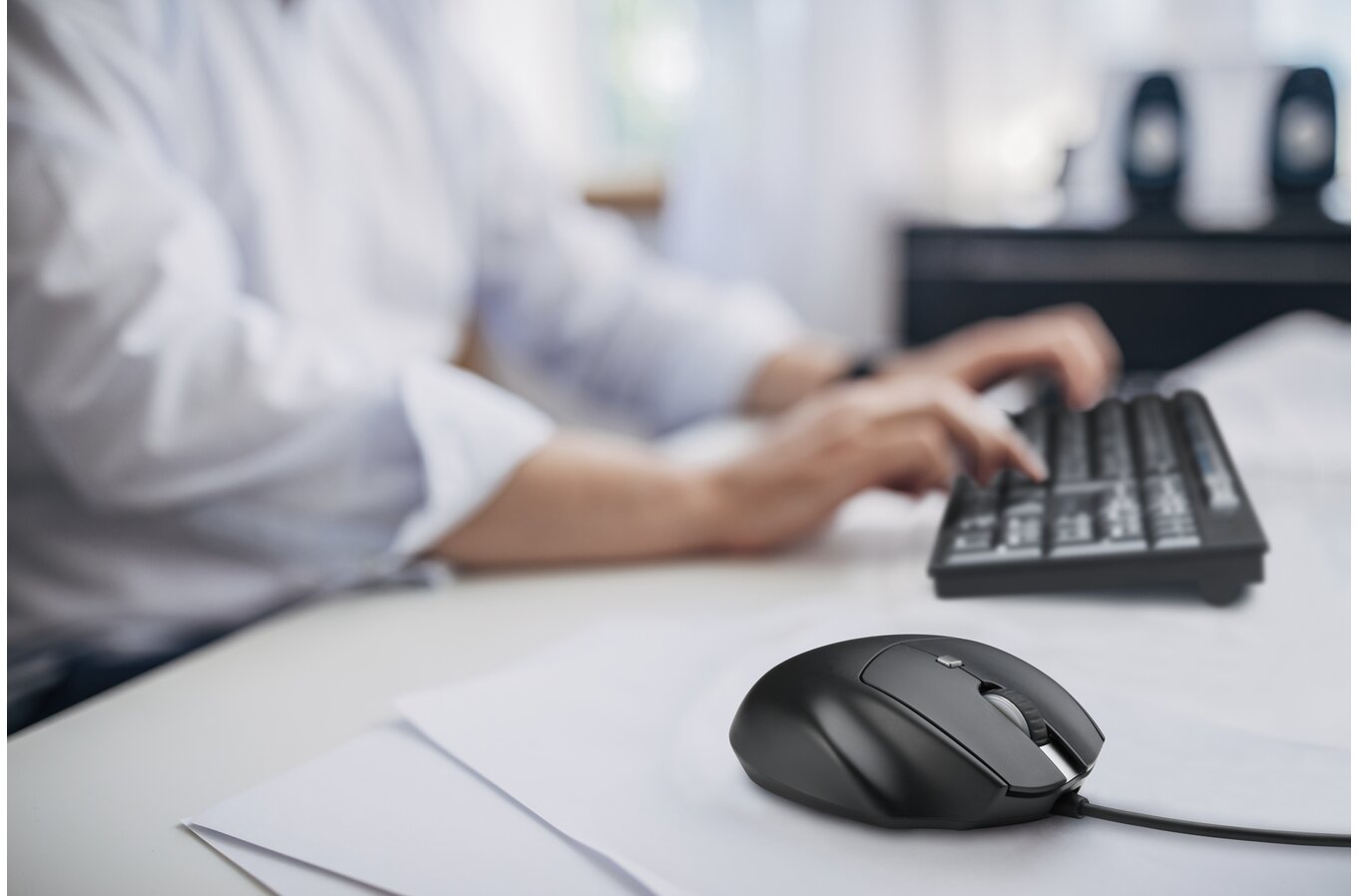
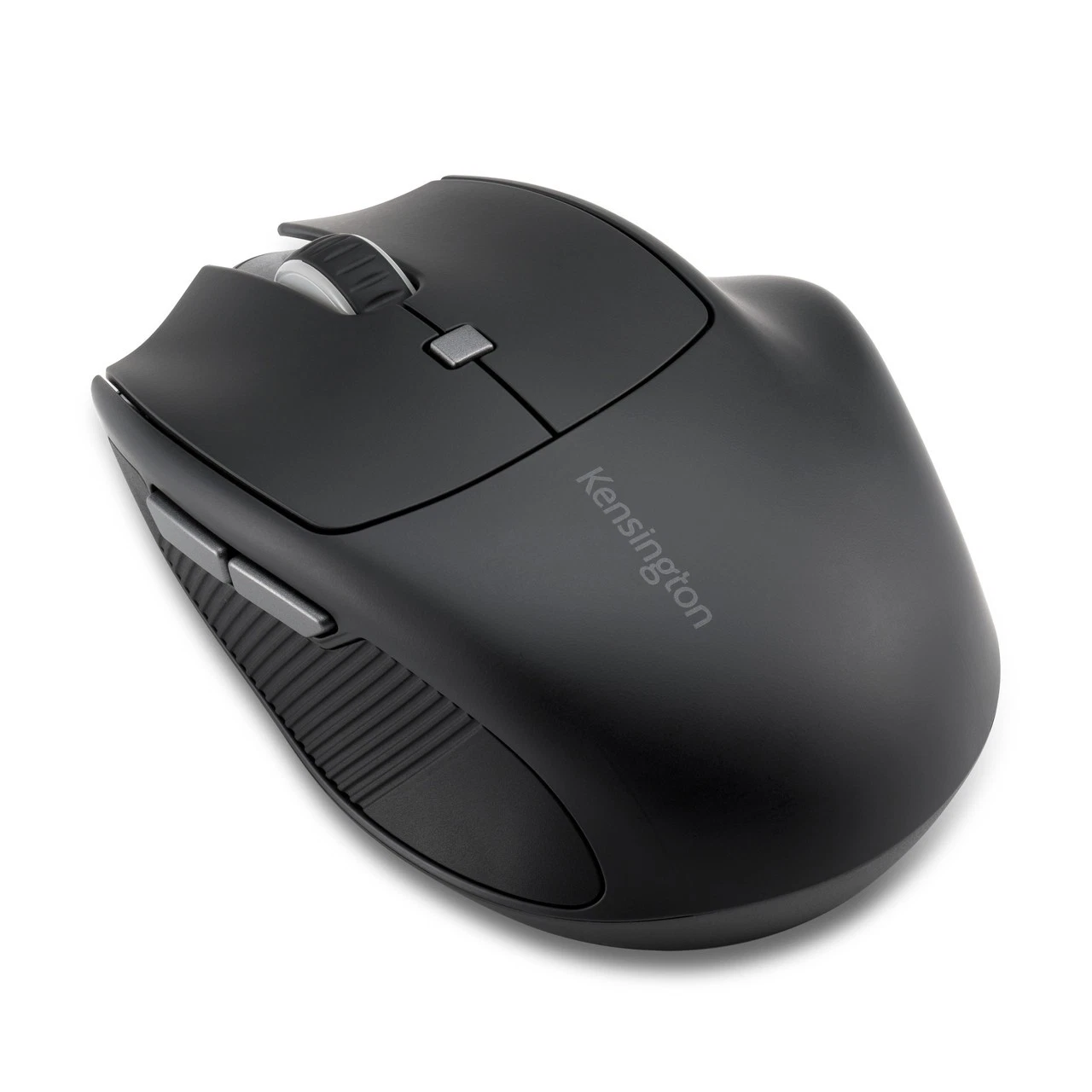
Conversely, I’ve been using the Kensington Pro Fit Ergo MY435 EQ Rechargeable Wireless Mouse, and sure, it’s a modest, humble-looking device. But lord almighty, does my hand thank me for defaulting to this mouse for day-to-day use.
The Pro Fit Ergo has been designed, first and foremost, for use in workplace settings. The mouse has an efficient aesthetic with chunky width, so the entire palm, even for people with larger hands, can comfortably rest on the body. Some nice use of texturing helps make the grip comfortable and stable, and the fingers sit easily over the two main mouse buttons.
Clicking down on those buttons is incredibly soft and responsive and – in a sharp contrast to the gaming mice – almost noiseless. The reason for this is pretty easy to understand, as you can use this mouse in an office environment and click away at documents or Internet browsers without driving your neighbours nuts. The incredibly long battery life further entrenches the mouse as a reliable office performer, as you don’t tend to think much about your equipment during the workday, so only needing to charge it once every few weeks is the right set-and-forget calibration (Kensington claims six months per charge, but that’s assuming one hour of active use per day, so I would suggest the use case for this kind of device is much lower than that).
Of course you can just power the mouse through the USB connection when at your desk anyway.
In terms of speed, the mouse is more than adequate for most work applications. The 2.4GHz nano receiver allows for minimal latency, and there are three resolutions – 1000, 1600 or 2400 DPI that will allow you to work perfectly quickly. There are some very niche roles in graphic design that might need better speed, but most people will have no complaints about this mouse for work.
And yet, those same settings also mean it’s pretty good for gaming too. Gamers do tend to default to 400-800 or, alternatively, 1,600-3,200, depending on the strategy, if you don’t know what eDPI (Effective DPI) scores are, this isn’t going to be all that relevant to you. Perhaps you’re someone who enjoys an hour or two of a strategy game or city builder after work. Or perhaps you enjoy an FPS and just don’t have any particular desire to go pro. The Pro Fit Ergo allows you to play without the technology actively getting in the way of enjoying the experience, meaning you don’t need to switch between mice at the end of the workday.
And there are also programmable buttons, which have a work application (allowing you to shortcut common commands like “copy and paste”, but are also enormously valuable as a gaming feature
And, again, your hand will thank you for the comfort. If anything, for those less demanding games, something like this is better than a dedicated gaming mouse. Comfort always matters when you’re playing some Wingspan or Dungeons & Dragons. A mouse that accommodates twitch reflexes simply doesn’t matter for every single game.
As a final benefit, because it’s relatively humble on the specs, the Pro Fit Ergo is priced nicely at around $AUD 60. It’s more expensive than a mouse that you can pick up at your local supermarket, but it’s also engineered for better comfort and durability than those mice, too. You’ll get years of use out of this, and a reduced risk of carpal tunnel while you’re at it.
I know this isn’t the most exciting device that I’ve ever reviewed at DDNet, but it is right up there with the most fundamentally useful, and frankly, if you are the kind of person that spends a lot of time on the computer, and you’re not looking for the most comfortable ergonomics you can find, then congratulations on being young enough that you just finished school and entered the serious workforce. You’ll learn soon enough the value of good ergonomics.