

Of all the various bits and pieces that you can connect to a computer, I find the ergonomics of the mouse to be critical. If it’s uncomfortable to click or move around, the hand suffers, and it doesn’t take long for the pain to settle in. Over the course of a day’s work or extended gaming session, an uncomfortable, poorly designed mouse is bad enough that you’ll want to bill the manufacturer for the wrist surgery you’re going to need. Which brings us to the EPOMAKER Carbonis Mouse.
It’s really comfortable. Hah, got you there, right? I bet you thought I was about to slam it with that set-up, but no, this has become my default mouse for both work and play.
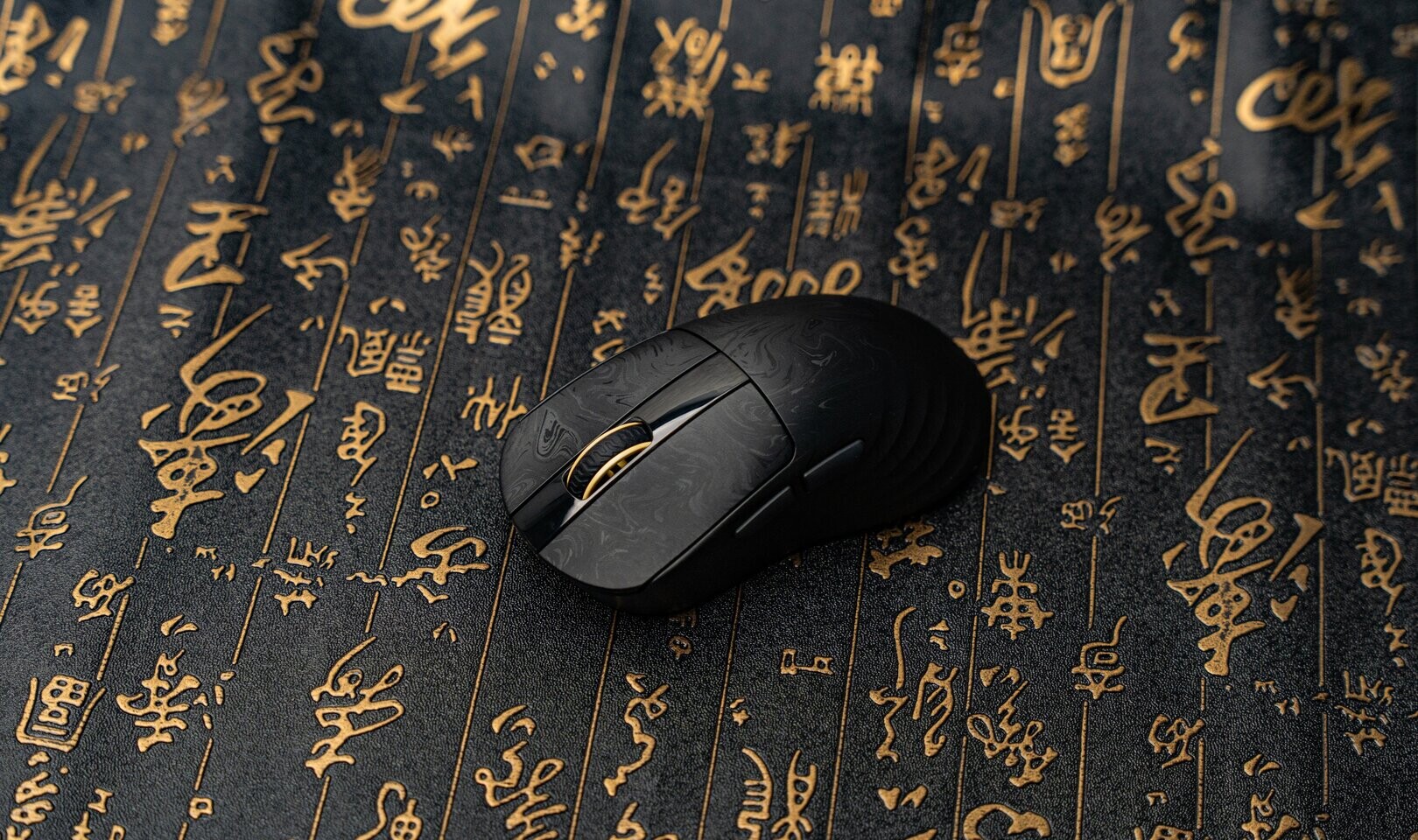
The first thing that helps set it apart is that it’s light. Very, very light. The shell feels like it was constructed out of paper-thin material, and it has a soft, slightly textured surface that both feels nice to touch and subtly helps with grip. EPOMAKER have billed the mouse as being “for medium to large hands”, and as someone with large hands, I do find that the mouse rests comfortably within it. The mouse body, in particular, curves nicely into my palm, meaning that I can rest the full weight of my hand onto it.

And the side buttons are comfortably situated for my thumb, which is a rarity for mice. I almost never use the side buttons on these things because I find them to be a pain to reach (and I don’t really play games that require them), but with the Carbonis, I do find myself taking advantage of the additional functionality that those buttons allow.
The only criticism I have of the feel of the mouse is really the two main buttons, and we’re talking about a fractional criticism. They do feel ever-so-slightly oversoft to press, meaning that, firstly, I’m not sure just how robust the mouse will be under duress (i.e. big action games where you’re going to be giving the thing a beating). Secondly, because of the soft spring back, I found that I was clicking at a slightly slower pace than I would with mice that have a heavier press and spring. We’re talking about one or two clicks per minute slower, perhaps, and buttons that are like one per cent lower than I would consider the perfect calibration, but I wouldn’t be doing my job if I didn’t flag it as an issue.
The mouse wheel feels great and rolls easily without being sent into a wild spin from finger pressure, though. EPOMAKER nailed the mouse wheel.
In terms of specs, the mouse allows for a range of settings and DPIs from a sluggish 400 to a ridiculously fast 30,000. I was comfortable at 1600 DPI for the most part, but then I don’t play games that require that level of extreme twitch control. I know 30,000 DPI has its place in gaming, and as far as I can tell, it works well enough here. There are both Bluetooth and 2.4GHz wireless connectivity for those who want to minimise the lag while mousing around at 30,000 DPI, too.
All of this information is displayed on a little LCD screen that sits beneath the wheel, along with the battery life. I know that the current trend is to stick little LCD screens on every device, and more often than not, those little screens are pointless gimmicks, but I really like EPOMAKER’s initiative here. You can tell at a glance what DPI you’re using, and cycle through to a different setting without needing to drop into software. Having an at-a-glance view of the battery life remaining is also a really useful touch, given that too often you’ll only remember to charge your mouse when your computer tells you it’s down to five per cent left.
The downside to having that little screen is that the mouse’s battery drains more quickly than a mouse that doesn’t have it will. EPOMAKER have done what it can to minimise battery drain by avoiding the flashing lights that other gaming mouse manufacturers tend to indulge in, and you’ll still be using the mouse for a couple of days between charges, but it is worth noting that you’ll be plugging this one in to re-juice it more than some.
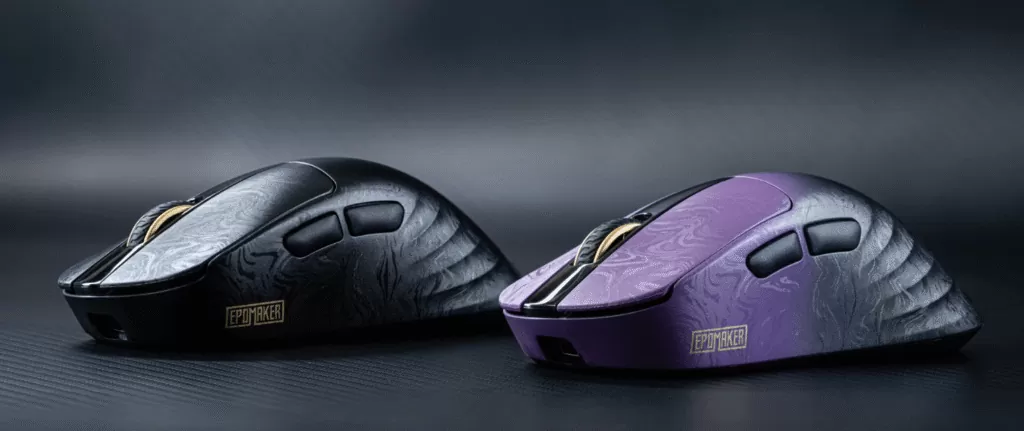
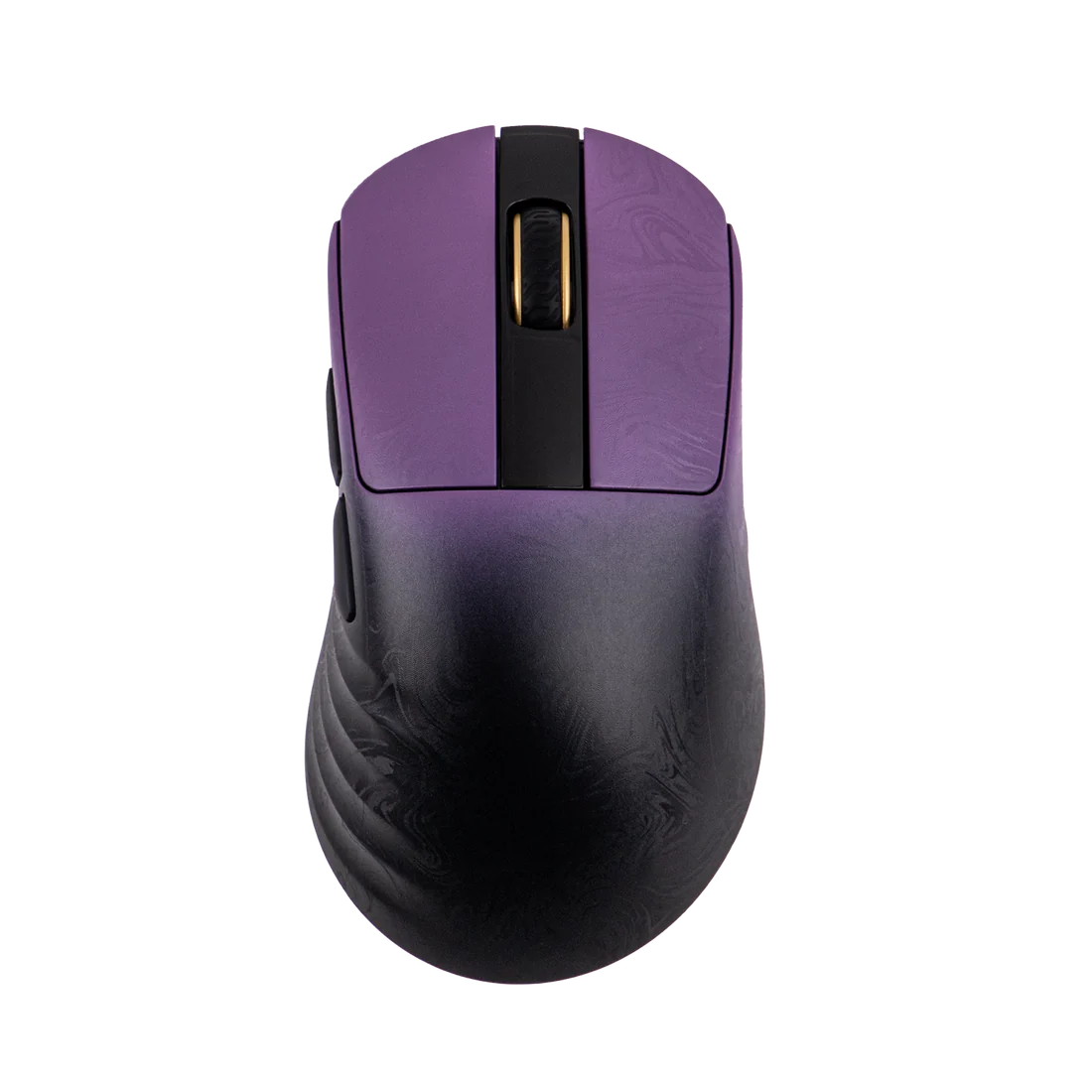
Aesthetically, the mouse is nicely understated, with a fading purple colour at the top, and a clean swirl pattern across the body (an all-black model is also available). It’s a mouse that wouldn’t be out of place in an office environment, and given how comfortable it is, I would recommend that bosses gift these to their employees, but it’s not a boring, sterile, corporate-looking device either.
I wouldn’t necessarily take this mouse out and about with me because I am slightly concerned about how robust it is (and that may be just paranoia on my part), but at home, the comfort, ease of use and convenience of the EPOMAKER have made it my new favourite, whether I’m working on my visual novel, busting out Wingspan or one of the Warhammer classics I’m currently working through, or just surfing the Internet.